

Opera GX vs Chrome: Why Gamers Should Try a Browser That Stops Stealing Your FPS
Chrome is great until it eats half your RAM while a game is running. Opera GX was built for exactly that situation, and it takes five minutes to try.
You alt-tab out of a match to check a guide, and when you come back, the game stutters. Your browser, probably Chrome with a dozen tabs open, quietly took a big share of your RAM and CPU. Every PC gamer has been there.
Opera GX is a free browser built around that exact problem. It is based on the same Chromium engine as Chrome, so websites and most extensions work the same, but it adds controls Chrome simply doesn’t have. Here is why it’s worth five minutes of your time.
What is Opera GX?
Opera GX is a special version of the Opera browser designed for gamers. It is free and available on Windows and macOS, and since March 2026 on Linux too. Its standout feature is GX Control, a set of limiters that decide how much of your PC the browser is allowed to use.
Opera GX vs Chrome: what you actually get
1. RAM and CPU limiters. With GX Control, you set sliders for the maximum RAM (in GB) and CPU (in %) the browser may use. When it reaches the limit, Opera GX throttles itself: it pauses tabs and deprioritizes background processes, instead of taking resources from your game. Chrome has a memory-saver mode, but no hard cap you can set yourself.
2. Network limiter. Cap the bandwidth the browser can use, so a background download or a 4K video doesn’t wreck your ping in an online match.
3. Built-in ad blocker and free VPN. No extension needed. Fewer ads and trackers also means lighter pages.
4. Twitch and Discord in the sidebar. Keep your stream or your server chat one click away, without a separate app eating more memory.
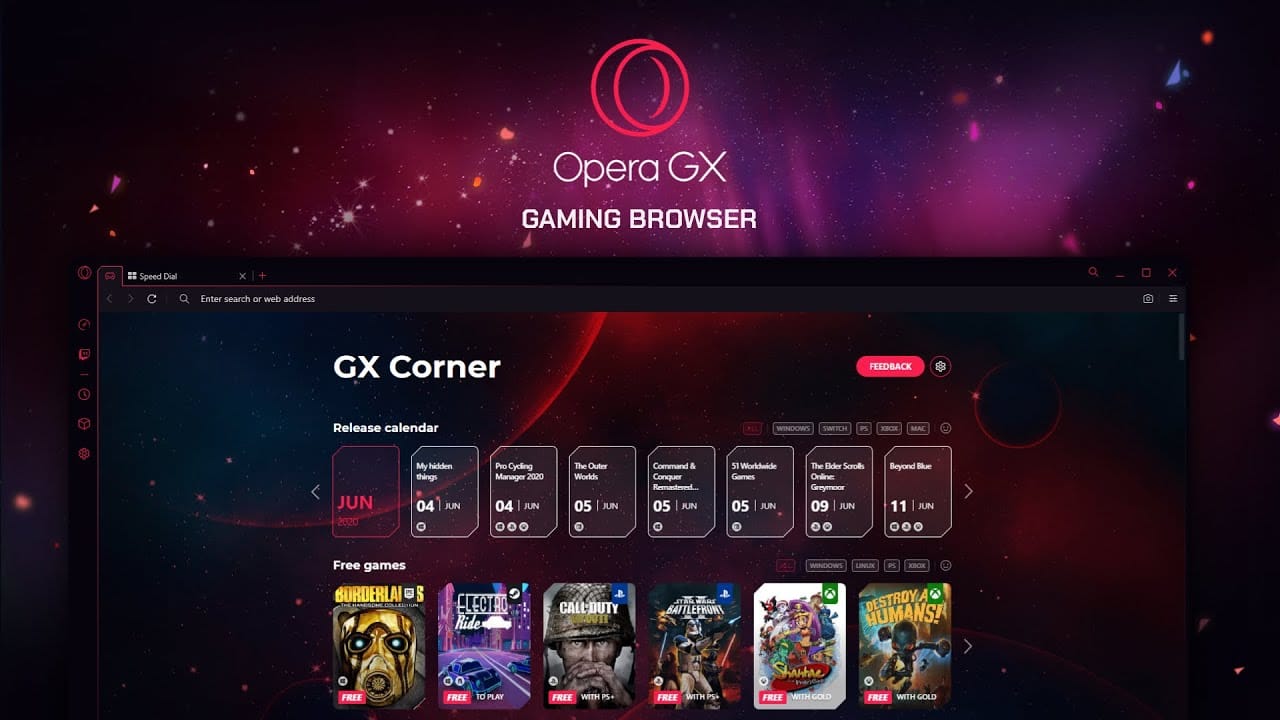
5. GX Corner. A built-in page with game release dates, free games and deals.
6. Mods and themes. Opera GX goes all in on customization: colors, sounds, wallpapers and community “mods” that change the browser’s look, including official collaborations with games and TV shows.
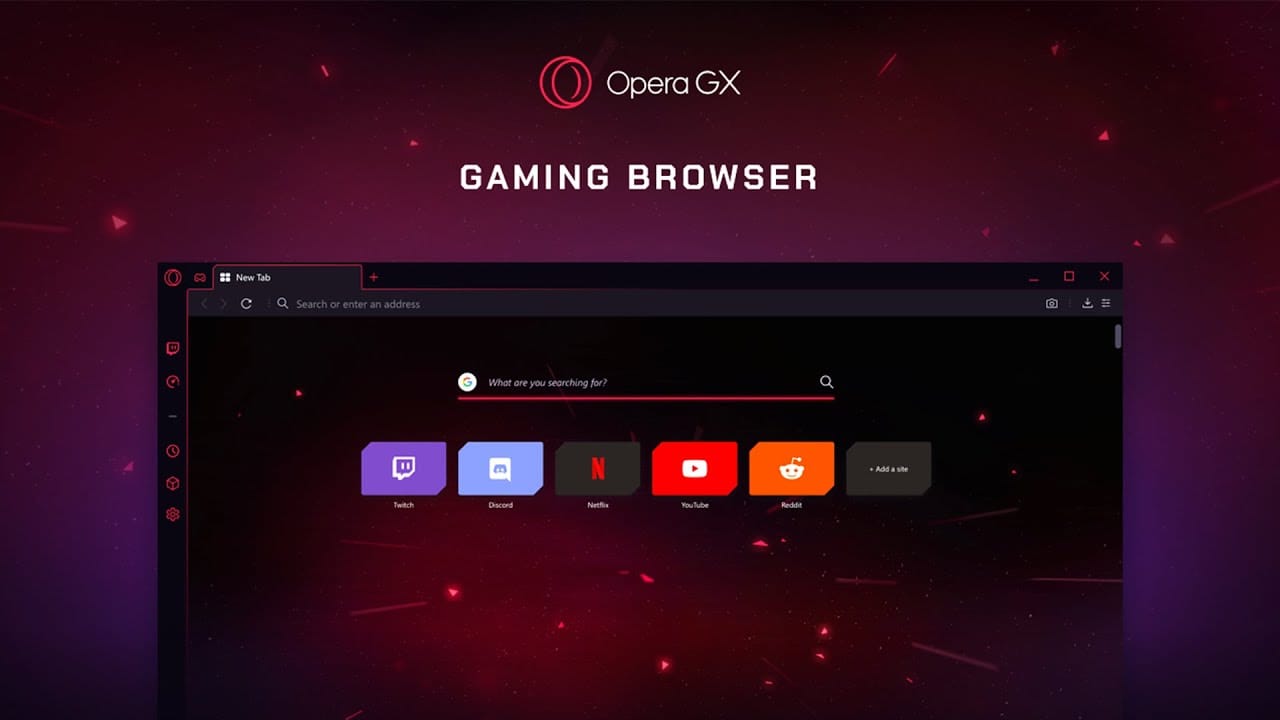 The start page puts your gaming sites one click away. (Opera official video still)
Where Chrome still wins
Being honest matters, so here is the other side:
- Google account integration. If your whole life is in Google services and synced Chrome profiles, Chrome is smoother.
- Familiarity. Chrome is the default for most people, and some work tools are tested on it first.
- Opera’s “gamer” style isn’t for everyone. The sounds and neon look can be toned down, but it’s a different vibe.
The good news: because both are Chromium-based, you can import your bookmarks, passwords and history from Chrome in a few clicks, and go back if you don’t like it. In other words, trying Opera GX costs you nothing.
How to try it in five minutes
- Download Opera GX. It’s free.
- Import your Chrome data during setup (bookmarks, passwords, history).
- Open GX Control in the sidebar and set a RAM limit, for example a quarter to a third of your total memory.
- Turn on “Hard limit” if you want the cap to be strict while gaming.
- Play a match with the browser open and see the difference for yourself.
Who it is for
Try it if you game with a browser open (guides, music, Discord, Twitch), you have 16 GB of RAM or less, or you play online and care about ping.
Stay on Chrome if you rely heavily on Google account sync across many devices, or if you never notice your browser while gaming.
Our take
Opera GX does not reinvent the browser. It gives gamers the controls Chrome should have had years ago. For a free download that imports your Chrome setup in seconds, it is one of the easiest upgrades you can make to a gaming PC. Get Opera GX for free and see the difference in your next match.
Switched from Chrome? Tell us in the comments if you noticed a difference in your games, and which GX features you actually use.

Tried it? Leave your verdict 0
Installed Opera GX? Tell other players what you thought after your first session — the good, the bad, and whether it's worth their evening.